
This is a user manual that introduces the usage of the product
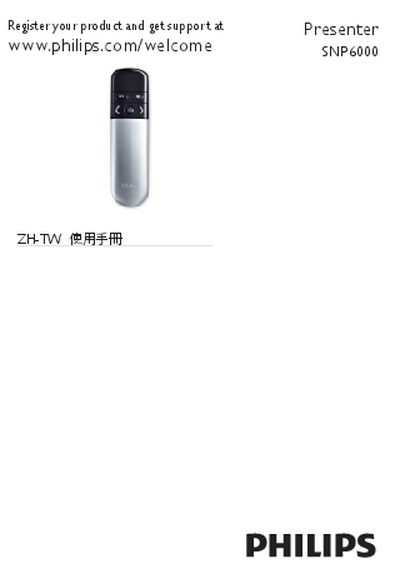
This manual introduces the Philips SNP6000 presenter, describing its LED indicators, control buttons, mode switch, mini receiver, and battery compartment. It guides you through powering the device, installing the mini USB receiver on a laptop, and switching between presenter and air‑mouse modes.
Safety information includes FCC compliance statements, laser class 2 specifications, and battery‑replacement warnings. The document also covers troubleshooting steps for signal loss, mouse issues, and proper recycling of the product and its batteries. This manual is written in Chinese.
| Wavelength | 645 - 660 nm |
|---|---|
| Maximum Power | < 1 mW |
| Laser Class | Class 2 |
| Battery Type | 2 x AAA |
Make sure the presenter is within the effective range, check that the LED flashes three times, and replace the batteries if needed.
Use the mode‑switch button on the device to select either the presenter mode or the air‑mouse mode.