
This is a user manual for PFL7422 series TVs, which introduces the functions and usage methods of the TV.
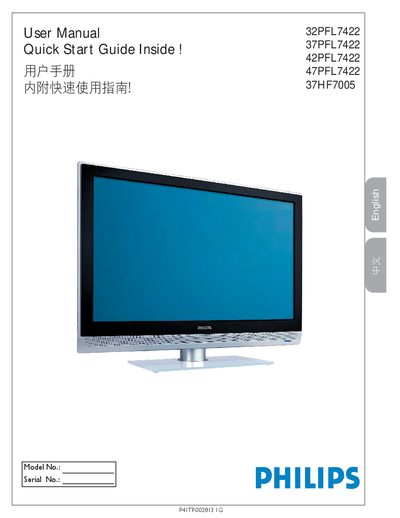
This user manual covers the Philips 32PFL7422, 37PFL7422, 42PFL7422, 47PFL7422 and 37HF7005 LCD televisions. It includes connection diagrams, safety information, operating instructions and setup guidance for these models.
The guide explains how to connect devices such as cable boxes, VCRs, DVD players, PCs and HDMI sources. It also provides safety instructions for installation, ventilation, antenna grounding and battery use. This manual is written in Chinese.
| HDMI interface | High-Definition Multimedia Interface |
|---|---|
| Component video input | YPbPr |
| PC connection | D-SUB |
Use the AV button on the remote control to select AV or Side AV.
Select PC with the AV button on the remote control.
Leave at least 4 to 6 inches free all around the TV.