
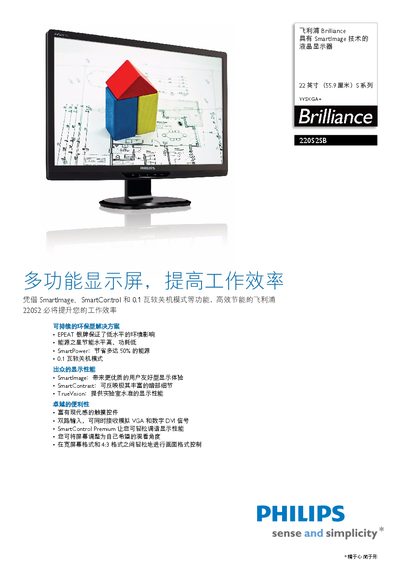
The Philips 22092SB/93 is a 22‑inch WSXGA+ LCD monitor featuring Philips' SmartImage technology, which automatically optimizes contrast, color, and sharpness for different content modes such as Office, Image, Entertainment, and Power‑Saving. Additional technologies include SmartPower for up to 50% energy savings, SmartContrast for dynamic contrast enhancement, and TrueVision for laboratory‑grade image quality.
The monitor offers dual inputs (VGA and DVI), adjustable tilt, touch‑sensitive controls, and extensive language support. It meets EPEAT Silver and Energy Star 5.0 certifications, and complies with CE, FCC, RoHS, and other international standards. Detailed specifications cover panel type, brightness, contrast, response time, power consumption, dimensions, and environmental operating ranges. This manual is written in Chinese.
| Panel size | 22 inches / 55.9 cm |
|---|---|
| Aspect ratio | 16:10 |
| Pixel pitch | 0.282 x 0.282 mm |
| Brightness | 250 cd/m² |
| Contrast ratio | 500,000:1 |
| Response time | 5 ms |
| Native resolution | 1680 x 1050 @ 60 Hz |
| Viewing angle | 176° (H) / 117° (V) |
| Color depth | 16.7 million colors |
| Power consumption (active) | 12 W |
| Standby power | <0.1 W |
| Dimensions (with stand) | 416 mm × 505 mm × 201 mm |
| Weight (with stand) | 4.18 kg |
| Operating temperature | 0 °C to 40 °C |
| Storage temperature | -20 °C to 60 °C |
| MTBF | 50,000 hours |
The standby power consumption is less than 0.1 W.
The monitor provides dual inputs: an analog VGA connector and a digital DVI connector.
The screen tilt can be adjusted from –5° to +20°.