
Philips 234EL2 monitor user manual, introduces the safe use, installation, product information, technical specifications, regulations, customer service and warranty, troubleshooting and FAQs of the monitor
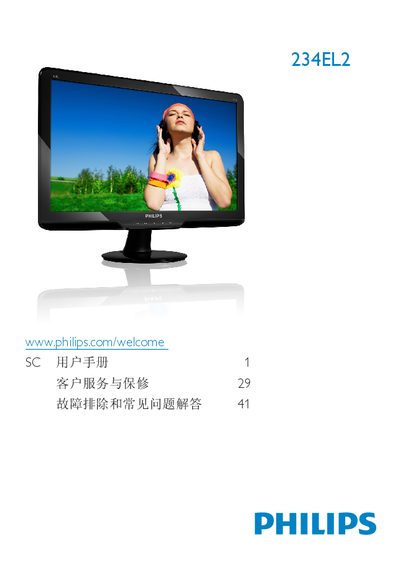
This manual guides users through safe handling, installation, and operation of the Philips 234EL2 LCD monitor. It includes safety warnings, proper mounting, cable connections, and OSD menu navigation.
Technical specifications, warranty information, and a comprehensive FAQ section are provided to help users resolve common issues such as video mode errors, refresh‑rate settings, and SmartControl Lite problems. This manual is written in Chinese.
| Panel size | 23 inch (58.4 cm) |
|---|---|
| Resolution | 1920 x 1080 @ 60 Hz |
| Brightness | 250 cd/m² |
| Contrast ratio (typical) | 20,000,000:1 |
| Response time (typical) | 5 ms |
| Viewing angle | 176° (H) / 170° (V) |
| Color depth | 16.7 million colors |
| Refresh rate range | 56 Hz – 76 Hz |
| Panel type | TFT‑LCD with LED backlight |
| VESA mount | 100 mm x 100 mm |
The recommended refresh rate is 60 Hz, though you may increase it up to 75 Hz to check for interference.
Press the OK button, then select “Reset” to restore all settings to the factory defaults.