
The manual introduces the pedometer function of the watch, which can measure daily walking and exercise walking, and calculate the number of steps, distance, speed and other data. You need to configure personal information before using the watch to calculate energy consumption and other data.
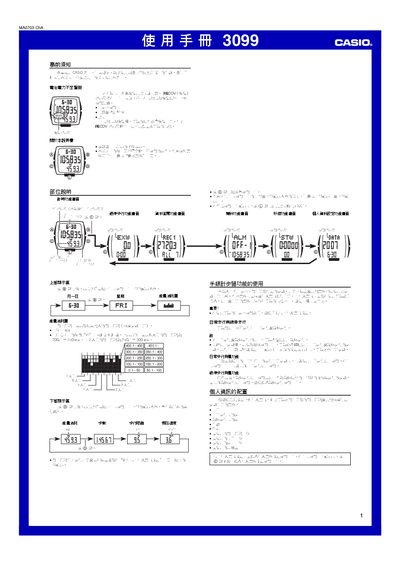
This manual describes the functions of the Casio 3099 1MA0703‑ChA step‑counter watch, including daily and exercise walking measurement, energy‑consumption display, alarms, lighting, and a stopwatch. It also provides guidance on battery‑low warnings and recovery indicators.
Instructions cover configuring personal information (weight, stride length, age, gender, units, sensitivity), operating the various measurement modes, reviewing and deleting recorded data, and setting the time, date, alarms and hourly chime. Technical limits for measurements are listed in the reference section. This manual is written in Chinese.
| Energy consumption range | 0 – 23,900.5 kcal (99,999.9 kJ) |
|---|---|
| Step count range | 0 – 999,999 steps |
| Walking distance range | 0 – 999.9 km |
| Exercise walking time range | 0 – 99 h 59 min |
| Current speed range | 0 – 99.9 km/h |
The watch only counts steps when it is worn on the left wrist; wearing it on the right wrist, on a strap, or keeping it in a bag prevents step counting.
The watch counts movements of the left hand, so non‑walking motions of the left hand can be recorded as steps; adjusting the sensor sensitivity can reduce this.