
MCD170 is an audio device that includes a quick start guide, remote control, user manual, MW antenna, audio/video cables, etc. It can set the clock, play audio CDs and audio files from USB devices, and has a tuner function.
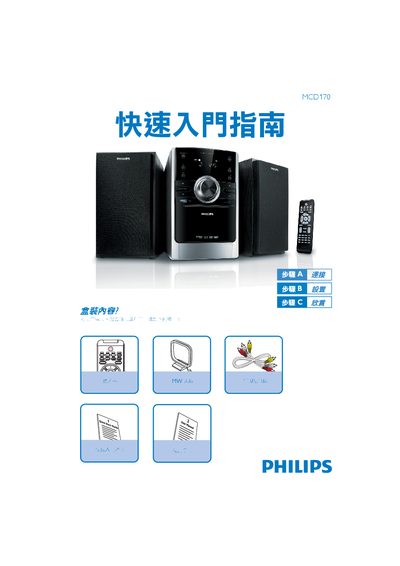
This guide starts with a list of items included in the box, such as the quick‑start guide, remote control, antenna and audio/video cables. It then walks you through basic connections, powering the unit, and setting the clock in either 12‑hour or 24‑hour mode.
Subsequent sections cover how to play a CD, use a USB flash drive or memory card for audio playback, and tune radio stations. The manual also provides instructions for speaker cable connections and using the built‑in tuner. This manual is written in Chinese.
| Clock format | 12‑hour or 24‑hour |
|---|---|
| USB support | USB 2.0 and USB 1.1 |
Press the DISC button, open the tray, place the CD with the label side up, close the tray, and the system will start playback automatically.
Insert the USB flash drive into the USB port, press the USB button to select USB mode, and the player will play the audio files just like a CD.