
This quick start guide introduces how to use Philips GoGear audio player, including connecting and charging, installing software, playing music and listening to FM radio
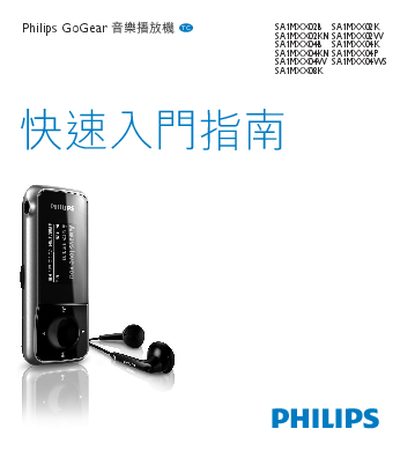
The Philips GoGear SA1MXX02 series is a portable music player with FM radio and USB connectivity. This manual provides the information needed to set up and operate the device safely.
It includes instructions for installing the Philips Device Manager and GoGear Mix software, using the FM radio functions, connecting the player via USB, and basic troubleshooting tips.
Run the installer and follow the prompts to install the Philips Device Manager on your computer.
Connect the player to a computer using the USB cable; the device will be recognized for file transfer.