
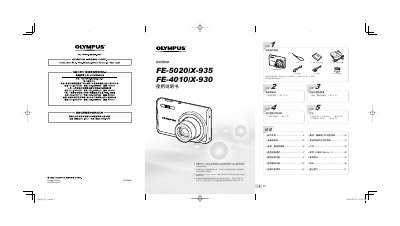
This manual provides step‑by‑step instructions for preparing the Olympus FE‑5020, FE‑935, FE‑4010 and FE‑930 digital cameras, including battery charging, inserting memory cards, and basic operation of shooting modes. It also details menu navigation, playback functions, and how to use the built‑in printing features such as PictBridge and DPOF.
Additional sections cover advanced settings like exposure compensation, macro mode, power‑saving mode, and using the Olympus Master 2 software for image transfer and editing. An appendix includes safety information, specifications, and an index for quick reference. This manual is written in Chinese.
| Effective Pixels | 12,000,000 |
|---|---|
| Lens Focal Length (FE‑5020/X‑935) | 4.3 – 21.5 mm (f/3.3 – f/5.8) |
| Lens Focal Length (FE‑4010/X‑930) | 4.65 – 18.6 mm (f/2.6 – f/5.9) |
| Shutter Speed | 4 – 1/1500 s (FE‑5020) / 4 – 1/2000 s (FE‑4010) |
| Weight (without battery) | 107 g (FE‑5020) / 101 g (FE‑4010) |
Use the PictBridge function (direct printing) or set up a DPOF print job as described in the printing section of the manual.