
This document is an instruction manual for the Olympus digital cameras FE-4040/FE-4020/X-940. The document provides detailed information on preparing the camera before use, operating methods for shooting and playing back images, using camera functions, and menus for printing and other camera settings.
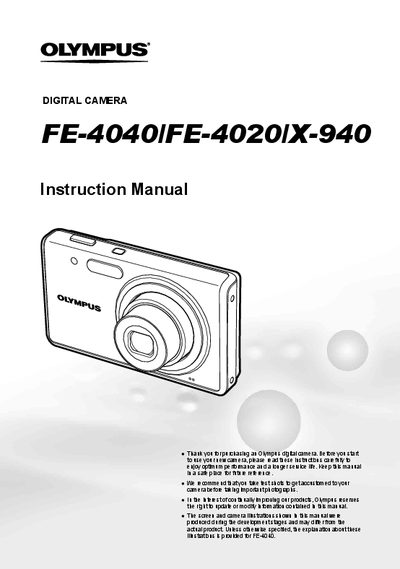
The Olympus FE-4040, FE-4020, and X-940 digital cameras are designed for capturing still images and movies. This manual provides guidance on preparing the camera, using various shooting modes, and managing captured media.
Key features include a function menu for quick access to shooting and playback settings, a setup menu for system configurations, and support for direct printing via PictBridge.
| Battery Voltage | DC 3.7V |
|---|---|
| Battery Capacity | 650 mAh |
| Charging Time | Approx. 3 hours |
Use the arrow buttons to select a shooting mode and press the OK button.
The camera uses a lithium ion battery (LI-70B).
The standard capacity is 650 mAh.
Charging takes approx. 3 hours.