
This manual explains how to use the watch, including how to charge it, set the time and date, and view the temperature, tide chart, and lunar calendar.
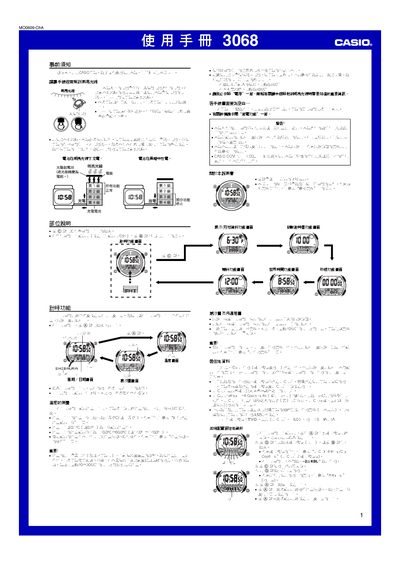
The Casio 3068 watch is powered by an internal solar cell that stores energy in a rechargeable battery. To ensure reliable operation, keep the watch exposed to bright light as often as possible; charging times range from about 5 minutes in direct sunlight to 50 minutes under indoor fluorescent lighting.
The manual details the functions of each button, how to set time, date, time zones, daylight‑saving time, alarms, timers, stopwatch, world‑time cities, tide and moon‑phase data, temperature measurement, illumination (manual and automatic), and power‑saving mode. It also provides safety warnings, battery‑level indicators, and instructions for calibrating the temperature sensor. This manual is written in Chinese.
| Battery type | Solar cell rechargeable battery |
|---|---|
| Charging time (direct sunlight) | ~5 minutes |
| Charging time (indoor fluorescent) | ~50 minutes |
| Temperature measurement range | -10.0 °C to 60.0 °C (14.0 °F to 140.0 °F) |
| Illumination duration | 1.5 seconds or 2.5 seconds |
Place the watch face toward a bright light source; charging takes about 5 minutes in direct sunlight, 24 minutes in a sunny window, 48 minutes on a cloudy window, or 8 hours under indoor fluorescent lighting.
On any screen (except setting screens), press and hold the B button for about 2 seconds to toggle the auto‑illumination function.