
This document introduces the usage and features of the music keyboard PX100-JA-1-Z J Z, including how to set up the music stand, play and record music.
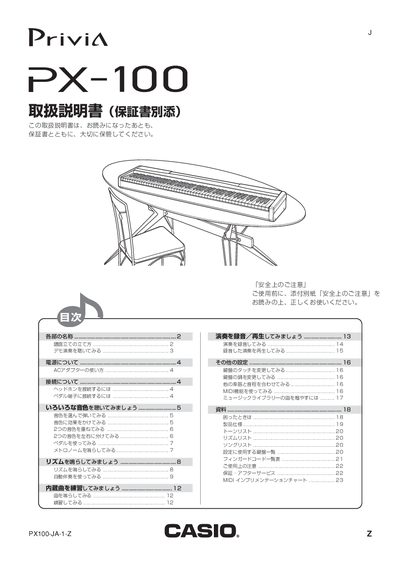
This manual explains safe handling, power requirements, and connections for the PX-100. It covers the use of the supplied AC adapter (model AD-18JL), headphone jack, and pedal ports, and provides safety notices and accessory information.\n\nThe guide details the instrument's functions, including tone selection (8 built‑in tones), effects such as reverb and chorus, tone overlap and split, rhythm patterns (20 built‑in rhythms), metronome operation, and full MIDI implementation with 16 channels. It also describes how to adjust tempo, use the demo playback, and access the music library. This manual is written in Japanese.
| Number of rhythms | 20 |
|---|---|
| AC adapter model | AD-18JL |
| Headphone jack | PHONES terminal |
| MIDI channels | 16 |
Connect the headphones to the PHONES terminal on the left side of the instrument.