
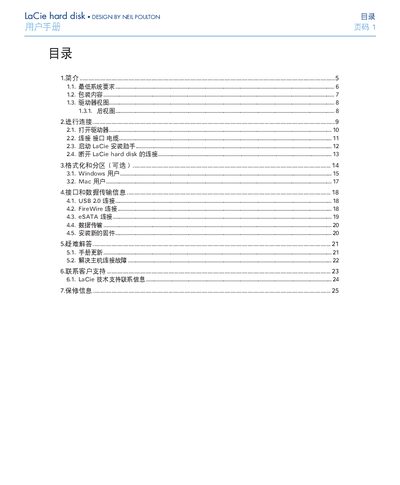
This manual explains how to connect the LaCie hard disk using USB 2.0, FireWire 400/800, or eSATA cables, how to format and partition the drive for Windows or Mac, and the recommended operating environment. It also includes FCC, CE, and Canadian compliance information, as well as warranty and support contact details.
Safety guidelines cover proper ventilation, temperature and humidity limits, handling precautions, and the importance of backing up data to multiple locations to avoid loss. This manual is written in Chinese.
| Operating temperature | 5 °C to 35 °C (41 °F to 95 °F) |
|---|---|
| Operating humidity (non‑condensing) | 5 %–80 % |
| Storage humidity (non‑condensing) | 10 %–90 % |
| Interface options | USB 2.0, FireWire 400, FireWire 800, eSATA |
The device can operate between 5 °C and 35 °C (41 °F to 95 °F).
Save copies of important data on at least two separate storage media, such as another external drive or a CD/DVD.
The drive is covered for material and workmanship defects for the period stated on the warranty card, provided it is used under normal conditions.