
This document is a user manual for a specific product, providing instructions on installation, connection, setup, and operation.
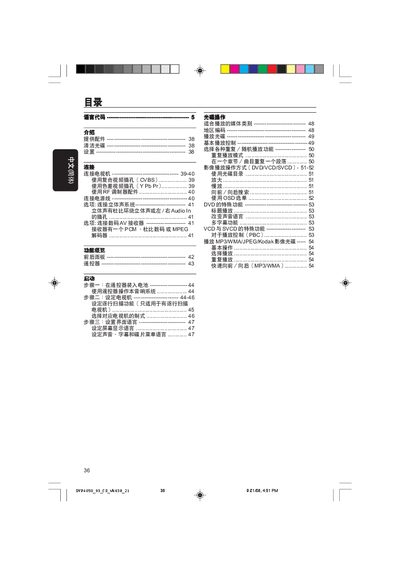
This manual provides step‑by‑step instructions for setting up the Philips DVP4050 DVD player, including unpacking, cleaning discs, and configuring the device for first use. It covers all required connections to a TV, stereo system, and digital AV receiver, as well as language and region settings.
Detailed sections explain remote‑control operation, video and audio output options, progressive‑scan setup, and a comprehensive troubleshooting guide with common fault symptoms and solutions. This manual is written in Chinese.
| Video format | PAL/NTSC |
|---|---|
| Power supply | 110‑240 V 50/60 Hz |
| Power consumption | 10 W (operating), <0.8 W standby |
| Dimensions | 226 × 48 × 209 mm (W × H × D) |
| Weight | ≈0.8 kg |
Connect the yellow VIDEO OUT plug on the DVD player to the TV’s composite video input (often labeled A/V In, Video In, or Composite) using the supplied cable.