
This document explains how to play CDs and use supported devices, including CD playback, USB devices, and other portable audio players. It also provides instructions on how to position the speakers and connect the main unit to a TV.
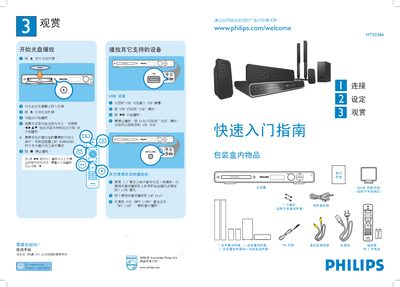
This manual explains how to operate the HTS3366 home theater system, including CD, USB, and portable audio playback. It covers opening the disc tray, inserting media, and using the remote control to start, pause, or stop playback.
The guide also details speaker placement, connections to TV (composite and HDMI), antenna setup, power wiring, and how to select channels and change the on‑screen language. Additional sections describe using the MP3 LINK, connecting audio cables, and assembling the tall speakers. This manual is written in Chinese.
| Speaker configuration | 1 center, 2 front, 2 rear, 1 subwoofer |
|---|---|
| Video input | Composite (CVBS) |
| USB playback | USB slot for media playback |
Press the open button to open the disc tray, place the disc label side up, close the tray, and playback will start automatically.