
This is a PHILIPS SA2VBE04/08/16/32 user manual, which mainly introduces the product usage methods, including safety issues, general maintenance, product recycling, new VIBE, quick start, updating VIBE, turning VIBE on and off, Philips Songbird, music, video, pictures, radio, recording, using VIBE to carry data files, settings, technical data, glossary and other content.
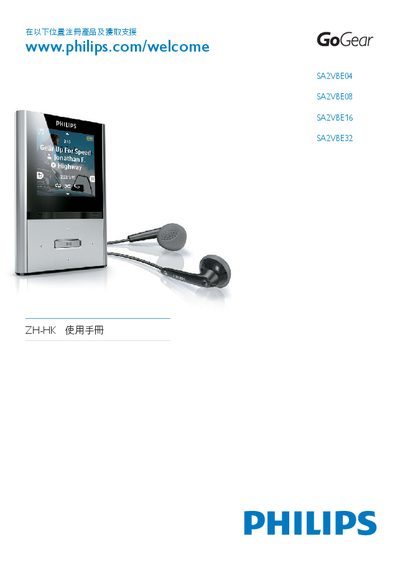
The manual guides users through product registration, support access, and basic operation of the Philips VIBE audio player series. It includes quick‑start instructions, control‑key functions, and software installation steps.
Detailed sections cover USB connection and charging, battery‑level indication, storage capacities, audio format support, and technical specifications such as screen size, battery capacity, and supported file types. This manual is written in Chinese.
| Screen | 128 × 128 LCD |
|---|---|
| Battery capacity | 250 mAh |
| Storage (SA2VBE04) | 4 GB NAND |
| Storage (SA2VBE08) | 8 GB NAND |
| Storage (SA2VBE16) | 16 GB NAND |
Connect the VIBE to a PC using the USB cable; the device will be recognized for data transfer and charging.
SA2VBE04 includes 4 GB NAND, SA2VBE08 includes 8 GB NAND, and SA2VBE16 includes 16 GB NAND.