
This document introduces the usage and features of Philips audio player, including product contents, registration, first-time use, detailed operations, and updates.
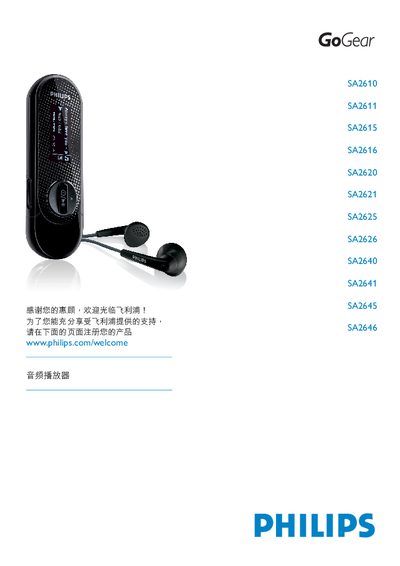
This manual provides step‑by‑step instructions for registering, installing batteries, connecting to a PC, and using the music, radio, and recording functions of the Philips SA2610‑SA2646 audio player series. It also includes safety guidelines, battery care, and data‑transfer procedures.
Technical specifications, firmware‑update instructions, and a troubleshooting FAQ are included to help users maintain optimal performance and resolve common issues. This manual is written in Chinese.
| Output Power (RMS) | 2 × 3 mW |
|---|---|
| Frequency Response | 80 – 16000 Hz |
| Display | White back‑lit LCD, 128 × 48 pixels |
| Battery | AAA rechargeable cells |
Exit any running programs on the player, then use the computer’s task‑bar to safely remove the device before unplugging the USB cable.
Charge the battery for at least four hours, then try powering on again or perform a reset. If it still fails, use Philips Device Manager to repair the player.
Make sure the headphones are fully inserted into the headphone jack; a loose connection can prevent audio output.
Register the product online, download the latest firmware from Philips’s support site, and follow the on‑screen instructions in Philips Device Manager to install the update.