
LaCie Design by Neil Poulton Hard Disk User Manual


LaCie Design by Neil Poulton Hard Disk User Manual - cover page
Brand
LaCie
Category
Storage devices
Document type
User Manual
Language
English
Pages
30
File format
PDF
File size
3.2 MB
Published
14 October, 2011
Updated
29 September, 2023
MD5 checksum
3C4A32ED53BF4C8F9087D83BF7325565

About this manual

This manual guides users through unpacking, system requirements, and the three available interfaces (USB 2.0, FireWire 400, eSATA) for the LaCie Design by Neil Poulton hard disk. It explains how to connect power and data cables, switch between interfaces, and use the LaCie installation assistant.

Additional sections cover optional formatting and partitioning for Windows and Mac, safety precautions, troubleshooting tips, warranty information, and contact details for LaCie support.

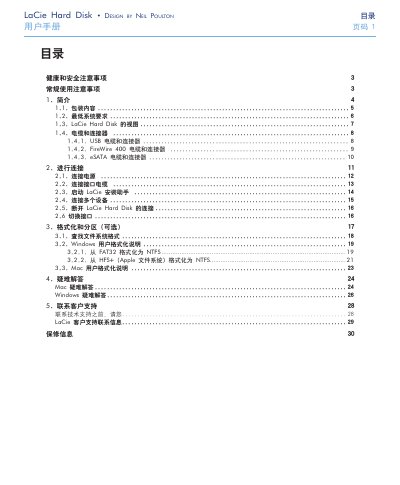
What's inside

  • Health and Safety Precautions
  • General Use Precautions
  • Introduction
  • Packaging Contents
  • Minimum System Requirements
  • LaCie Hard Disk View
  • Cables and Connectors
  • Connecting the Drive
  • Formatting and Partitioning (Optional)
  • Troubleshooting

Specifications

Power requirement100‑240 V~, 1.5 A, 60‑50 Hz
Operating temperature range5 °C to 35 °C

Frequently asked questions

What should I do if the drive does not power on?

Check that the power cable is connected, verify the outlet is live, and ensure the fan is not running; replace the power cable if necessary.

Download PDF (3.2 MB)

More LaCie Manuals


View all LaCie manuals →