
LaCie Rugged Hard Disk User Manual, introduces the hard disk package contents, minimum system requirements, hard disk views, cables and connectors, connection methods, formatting and partitioning, troubleshooting, contact customer support and other information
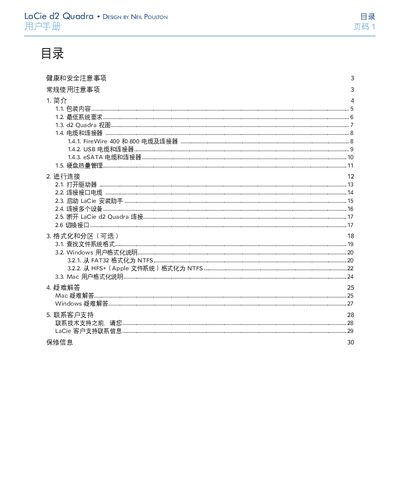
This manual explains how to install and use the LaCie Rugged All‑Terrain Hard Disk. It covers packaging contents, system requirements, cable connections (USB 2.0, FireWire 400/800), and the optional formatting and partitioning steps for both Windows and Mac.
Safety guidelines, troubleshooting tips, warranty information, and contact details for LaCie support are also included to help users maintain reliable operation in demanding environments. This manual is written in Chinese.
| Operating Temperature | 5 °C to 35 °C |
|---|---|
| Power | USB power cable or external power adapter |
The drive requires a computer that meets the specifications listed in section 1.2 "Minimum System Requirements"; details are on the product packaging or data sheet.
Adjust the antenna direction, increase the distance between the drive and the receiver, or plug the devices into separate power outlets.