
This manual introduces the basic functions and usage of the CASIO EXILIM K860PCM1DMX camera.
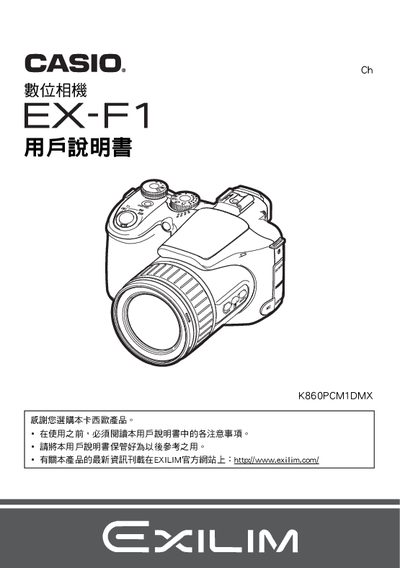
This manual explains how to unpack the camera, charge the battery, and perform basic shooting functions. It also covers advanced features such as auto focus modes, exposure settings, and playback options.
Additional sections describe how to connect the camera to a computer or printer, manage image files, and perform maintenance. Safety warnings, specifications, and troubleshooting tips are included to help users get the most out of the EX-F1. This manual is written in Japanese.
| Battery type | Lithium‑ion (NP-100) |
|---|---|
| Battery voltage | 74 V |
| Battery capacity | 1950 mAh |
| Operating temperature (camera) | 0 °C to 40 °C |
| Charger input voltage | 100 V–240 V AC, 200 mA, 50/60 Hz |
| Charger output | 8.4 V DC, 560 mA |
| Charger dimensions | 94 mm × 26 mm × 80 mm |
| Charger weight | ≈112 g |
Charging takes about 4 hours 30 minutes.
The camera can be used from 0 °C to 40 °C.
It uses a lithium‑ion battery model NP‑100.
The charger works with 100 V to 240 V AC.