
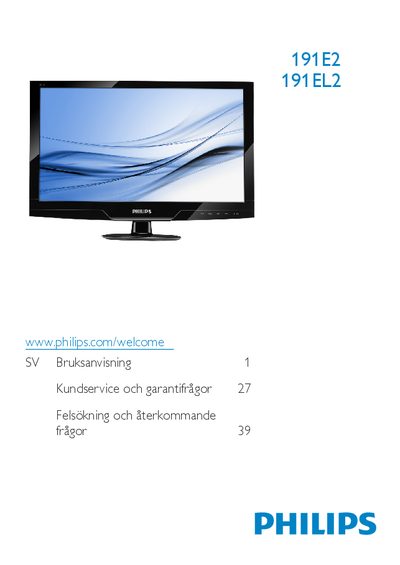
This manual provides safety instructions, handling guidelines, and warranty information for the Philips 191E2/191EL2 LCD monitor. It explains how to install the monitor, connect the VGA and LVL‑D inputs, and use the on‑screen display (OSD) features such as SmartImage Lite, SmartContrast and SmartControl Lite.
The document also lists technical specifications, environmental disposal rules, and troubleshooting tips, including how to avoid screen burn‑in and the recommended native resolution of 1366×768 @ 60 Hz. This manual is written in Swedish.
| Operating temperature | -40 °C to 95 °F |
|---|---|
| Relative humidity | 20 % – 80 % RH |
| Native resolution | 1366 × 768 @ 60 Hz |
| Power input | AC |
| Video inputs | 8 VGA inputs |
| Kensington lock | Anti‑theft slot included |
| Recommended AC/DC adapter | Model ADPC1236 |
Use the native resolution of 1366 × 768 @ 60 Hz for the best image quality.
Wait about 6 seconds after disconnecting the power cable before plugging it back in.