
This user manual covers the operation, charging, Bluetooth pairing, and safety information for the 3M WorkTunes Connect wireless hearing protector.
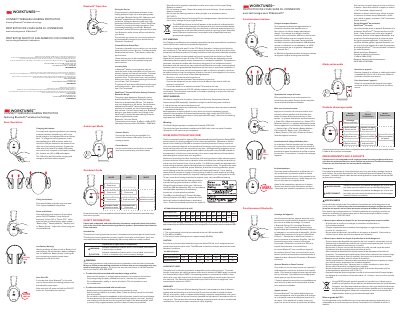
The document provides instructions for basic operations of the 3M WorkTunes Connect Wireless Hearing Protector. Key features include charging via micro-USB, fitting the headset, power and volume controls with voice assist announcements, battery low warnings, and auto shut-off functionality after disconnection.
It details Bluetooth pairing procedures, audio input mode usage with stereo cables, and call management functions such as answering, rejecting, and disconnecting calls. The manual also includes safety information regarding proper fit, environmental hazards, and disposal regulations.
| NRR (Noise Reduction Rating) | 24 dB(A) |
|---|---|
| Bluetooth Range | approximately 25 feet |
| Operating Frequency Band | 2402 MHz – 2480 MHz |
Insert the supplied micro-USB connector cable into the jack on the bottom of the right cup and connect to a USB power source. The LED will blink blue while charging.
Press and hold the power button for 3 seconds. Voice Assist will announce “Power ON” or “Power OFF.”
The hearing protector provides a “Battery Low” warning every 20 minutes. An additional “Battery Empty” warning occurs as it powers down.
Press the button on the hearing protector once. The music will mute and you will hear your phone's ringtone.