
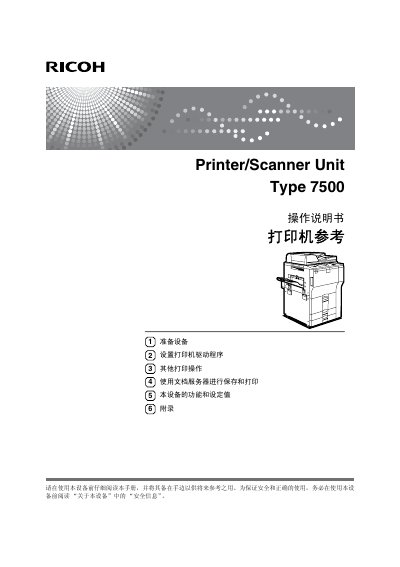
Ricoh Type 7500 Printer/Scanner Unit Operating Manual


Ricoh Type 7500 Printer/Scanner Unit Operating Manual - cover page
Brand
Ricoh
Category
Printer
Document type
User Manual
Language
Chinese
Pages
154
File format
PDF
Published
24 September, 2011
Updated
29 September, 2023
MD5 checksum
CF077621DC2E3B5AEEE39CC4A24AD554

About this manual

The Ricoh Type 7500 Printer/Scanner Unit operating manual explains the unit's functions, control panel, preparation steps, text entry, and installation of supplied software. It also covers local and network connections.

The manual includes printer driver installation for Windows environments, USB, IEEE 1394, parallel, and Bluetooth connections, printer properties, print job management, direct PDF printing, the document server, Web Image Monitor settings, and an appendix. This manual is written in Chinese.

What's inside

  • Display panel
  • Print job list
  • Printer features
  • Preparing the printer
  • Installing the printer driver
  • USB connection
  • Bluetooth connection
  • Direct PDF printing
  • Document Server
  • Web Image Monitor

Frequently asked questions

Does this manual cover Bluetooth printing?

Yes. It includes a section on printing with a Bluetooth connection.

Does the manual explain how to print PDF files directly?

Yes. The manual has a section on direct PDF printing.

Does the manual include a Windows Me USB installation section?

Yes, it includes a Windows Me USB installation section.

Download PDF

More Ricoh Manuals


View all Ricoh manuals →