
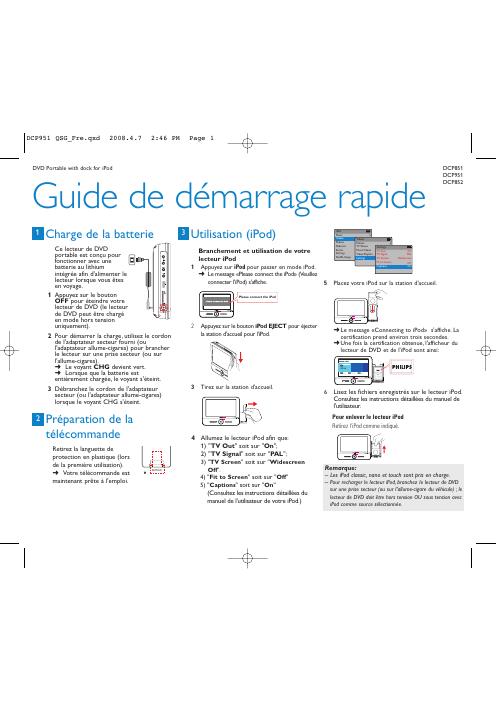
This quick start guide for the Philips DCP951 DVD player with iPod dock explains how to charge the built-in lithium battery using the supplied AC adapter or car adapter, and how to connect and use an iPod in the dock.
It also describes remote control preparation, disc playback, headphone and auxiliary TV connections, and playback of audio or video files stored on an SD/MMC card. This manual is written in French.
| Product type | DVD Portable with dock for iPod |
|---|---|
| Battery | Integrated lithium battery |
Turn off the DVD player, then connect the supplied AC adapter or car adapter to a power outlet or car cigarette lighter; the CHG indicator turns green and goes off when charging is complete.
iPod classic, nano and touch are supported.
Connect one or more headphones to the n1 and/or n2 jack on the device.
Press ON to turn on the player, press OPEN to open the disc tray, load a disc with the printed side facing up, then close the tray; playback starts automatically.