
This document is the user manual for the MW Antenna Base and Fixator 2, which introduces the usage and features of the product.
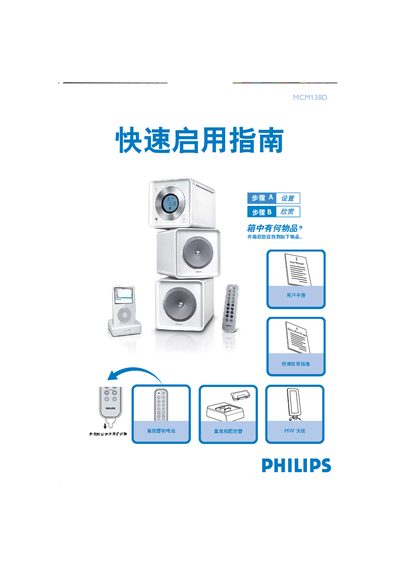
This manual covers the contents of the package, how to connect the MW antenna to the aerial port, attach the power cord, and connect speaker wires. It also explains how to set the clock using the PROG/CLOCK button and provides notes on the built‑in FM tail antenna.
Further sections describe remote‑control usage, CD playback steps, and how to dock and play an iPod using the appropriate base holder. Detailed instructions are given for selecting sources, adjusting tuning, and using sleep timer and other functions. This manual is written in Chinese.
Press the PROG/CLOCK key to make the hour digits flash, use the ↑/↓ keys to set the hour, press PROG/CLOCK again for minutes, then confirm with PROG/CLOCK.
Open the CD door with the OPEN/CLOSE button, insert a disc with the label side up, close the door, then press the play button (ÉÅ) to start playback.