
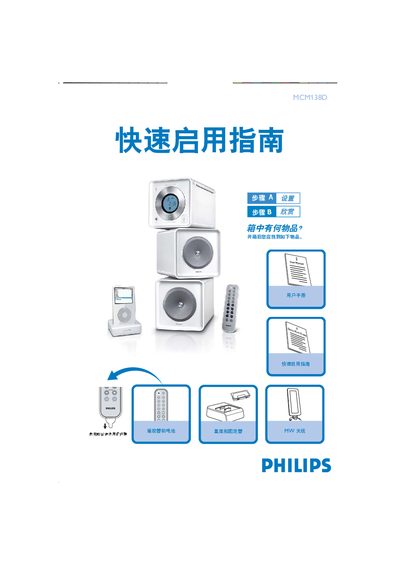
The manual begins with a checklist of items that should be present after unpacking the Philips MCM138D. It then guides the user through connecting the FM antenna, speakers, and power cord before the device can be used.
Later sections explain how to set the clock using the PROGICLOCK button and how to dock an iPod into the built‑in holder, including the steps to select the dock source and start playback. This manual is written in Chinese.
Insert the iPod into the dock slot, connect the dock cable to the DOCK IN interface on the main unit, then press the SOURCE button (or the remote’s DOCK button) to select the dock source; playback will start automatically.