
This manual is an operation manual that provides detailed instructions and precautions for using the product. The manual covers the functions, system settings, and troubleshooting of the device. It also emphasizes the importance of reading the safety information before using the device. The manual includes a general setup guide and instructions for using the file server and user tools.
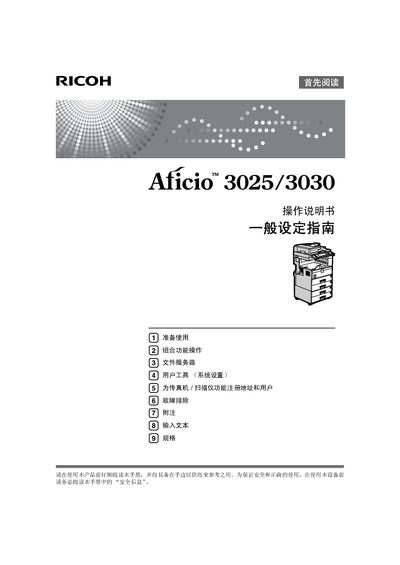
This manual covers general setup, safety information, and detailed instructions for using the copier's copy, fax, print, and scan functions. It also includes network configuration, file server usage, and security features to protect stored documents.
Additional sections describe optional accessories, power specifications, and maintenance procedures, with references to supplemental PDFs on the included CD for advanced functions such as LAN‑Fax and DeskTopBinder Lite. This manual is written in Chinese.
| Photoconductor Type | OPC drum (30) |
|---|---|
| Resolution | 600 dpi |
| Maximum Original Size | A3L, 11"×17"L |
| Power Consumption (Standby) | 1.2 W |
| Power Supply | 220‑240 V, 50/60 Hz, ≥7 A |
| Pre‑heat Time | ≤12 s |
| Operation Switch Time | ≤10 s |
It uses two GaAIAs laser diodes, each 5 mW, with a wavelength of 760‑800 nm.
You can send documents directly from an application using LAN‑Fax, which transmits the fax without printing.
Yes, received fax information can be stored on the hard drive without printing to paper.
The machine requires 220‑240 V, 50/60 Hz power with a current of 7 A or higher.