
This manual is an operating instruction manual, which contains detailed instructions on how to operate and use this device. The manual provides an overview of the device, system settings, file server functions, and troubleshooting methods. It also introduces the safety information and laser safety precautions of the device. The manual also provides specifications and general setup guidelines for different models of the device.
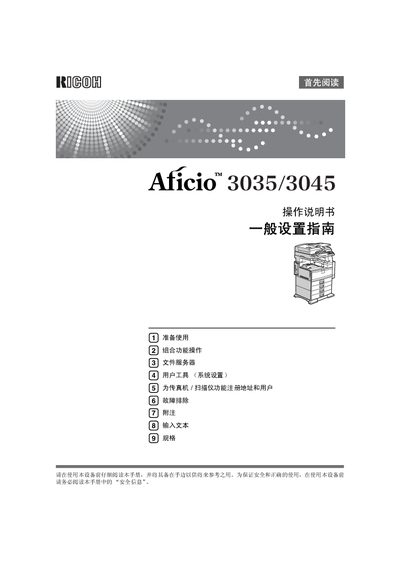
This manual covers all aspects of using the Ricoh Aficio 3035/3045 multifunction printer, including safety information, preparation steps, combined function operation, file server usage, system settings, fax/scanner registration, and troubleshooting. It also includes detailed guidance for network configuration, document storage, and security features.
The guide explains how to perform copying, printing, scanning, and faxing tasks, as well as how to manage stored documents, use paperless fax, and monitor the device via computer software. Maintenance procedures such as cleaning, replacing parts, and adjusting settings are also described. This manual is written in Chinese.
| Photosensitive Type | OPC drum |
|---|---|
| Resolution | 600 dpi |
| Maximum Original Size | A3L, 11" × 17"L |
| Power Supply | 220‑240 V, 50/60 Hz, 8 A |
| Laser Diode Power | 5 mW per diode |
| Laser Wavelength | 760‑800 nm |
The device is a Class 1 laser product; users must read the safety information, and avoid any adjustments not specified in the manual to prevent hazardous radiation exposure.
Received faxes can be stored on the hard drive without printing, and documents can be sent directly from a computer using LAN‑Fax or Internet fax functions.