
This is a portable DVD player user manual, mainly introduces the product use method, function characteristics and precautions etc
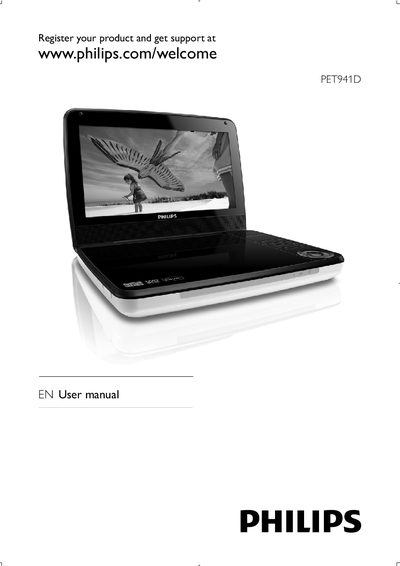
This manual introduces the Philips PET941D portable DVD player, lists the contents of the package, and describes the main unit and remote control layout. It guides you through getting started, charging the battery, installing the remote battery and connecting accessories.
The guide also covers daily use such as turning the player on, selecting languages, playing discs, adjusting screen brightness and audio settings, and provides product specifications, regulatory information and troubleshooting advice.
| Dimensions | 240 x 178 x 40 mm |
|---|---|
| Weight | 1.1 kg |
| Power supply input | 100‑240 V 50/60 Hz 0.3 A |
| Power supply output | DC 9 V 1 A |
| Power consumption | 9 W |
| Operating temperature range | 0‑45 °C |
| Laser wavelength | 650 nm |
| Video system | NTSC & PAL |
Visit www.philips.com/welcome and follow the registration instructions provided in the manual.
Use the LCD Backlight setting in the Preference menu to increase or decrease the brightness level.