
This is a quick start guide for Philips MCD355 product, which details how to use the product, including connecting power, setting clock, playing discs, using USB mass storage device, and memorizing and tuning radio stations.
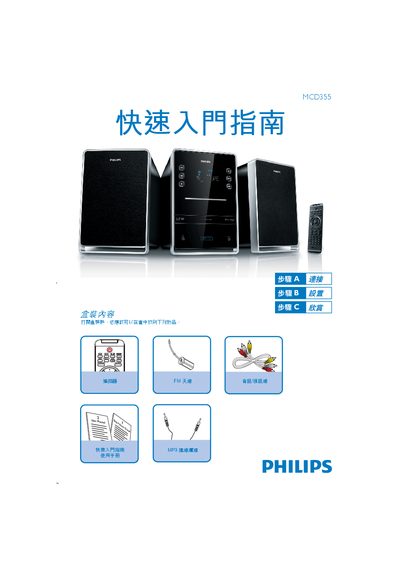
This guide provides the essential steps to get the Philips MCD355 CD player up and running. It lists the items included in the box, explains how to connect the power and speaker cables, and shows how to set the clock.
The manual also details basic operations such as playing a disc, using a USB storage device, and tuning FM radio stations, with brief instructions for each function. This manual is written in Chinese.
| USB support | USB 2.0 or USB 1.1 |
|---|
In standby mode, hold the CLOCK/DISPLAY button, use VOL+/- to set the hour, press CLOCK/DISPLAY to confirm, then set the minutes with VOL+/- and confirm again.
Press the DISC button to select disc mode, open the disc slot, insert the disc with the label side up, close the slot, and the system will start playback automatically.
Insert the USB plug into the USB socket on the main unit, press the USB button, select the folder and file, then press the play/pause button to start playback.
Press the TUNER button to choose the tuner source, hold PROG/ANGLE for more than two seconds to let the system automatically memorize available stations, then use the tuning buttons to select a stored station.