
This document introduces the features and characteristics of the MCD705 product, such as features, accessories, environmental information, installation, maintenance and care, connection, function overview, remote control and start.
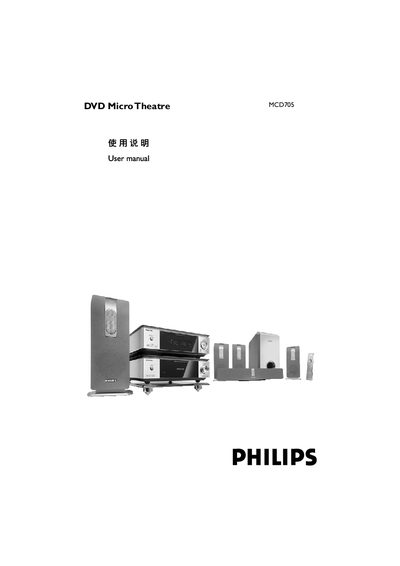
The Philips MCD705 DVD Micro Theatre is a compact home‑theatre system that includes a 5.1‑channel digital amplifier, built‑in DTS and Dolby Digital decoders, and optional progressive‑scan video output. It comes with five satellite speakers, a sub‑woofer, and a remote control for full surround‑sound playback.
This user manual guides you through installing the unit, connecting speakers and TV, configuring audio and video settings, using the remote, performing routine maintenance, and diagnosing common problems such as power loss, picture issues, or audio distortion. This manual is written in Chinese.
| Audio channels | 5.1 |
|---|---|
| Built‑in decoders | DTS, Dolby Digital |
| Progressive scan support | Yes (requires compatible TV) |
| Speaker configuration | 5 satellite speakers + 1 sub‑woofer |
Mount the speaker brackets, then connect the speaker cables matching the colour codes as shown in the manual.
Use the system menu to turn the progressive‑scan function on or manually turn it off from the settings page.