
With the Philips SA2125, you can enjoy MP3 and WMA music anytime, anywhere. It has MP3 and WMA playback, voice recording, and FM radio with 10 preset channels. The Direct USB feature allows for quick and easy music and data transfer. The music player has a playback time of up to 10 hours and supports plug-and-play data storage. It also features a readable black and white LCD display, equalizer settings, and folder view for easy song search.
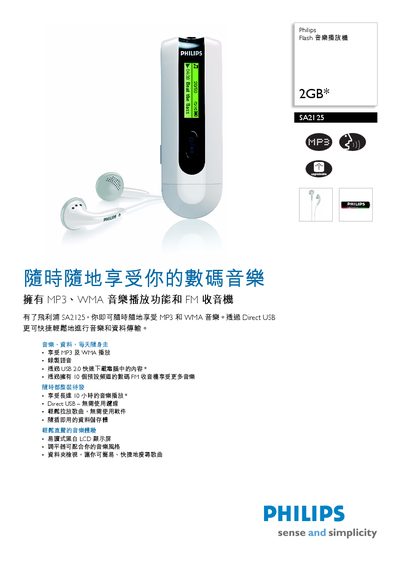
The Philips SA2125 is a compact 2 GB flash music player with an LCD display, supporting MP3, WMA and WAV audio formats. It features a built‑in FM radio, USB 2.0 connectivity for direct file transfer, and runs on AAA batteries for up to ten hours of playback.
This manual covers basic operation, button functions, charging, USB file transfer without additional software, technical specifications, dimensions, accessories, and regulatory information. This manual is written in Chinese.
| Storage capacity | 2 GB NAND Flash |
|---|---|
| Display resolution | 32 × 128 pixels |
| Battery type | AAA / LR03 |
| Playback time | up to 10 hours |
| Supported audio formats | MP3, WMA, WAV |
| Frequency response | 80 – 18 000 Hz |
| Output power (RMS) | 2 × 3 mW |
| Signal‑to‑noise ratio | > 80 dB |
| Dimensions (W × H × D) | 135 × 38 × 195 mm |
The device provides up to ten hours of continuous playback when powered by AAA batteries.
It supports MP3, WMA and WAV audio files.