
Philips DVD player with HDMI and USB HDMI 1080p DivX Ultra Karaoke DVP5990K, is a high-quality DVD player that supports HDMI digital video and audio connection, bringing lifelike audio and video effects.
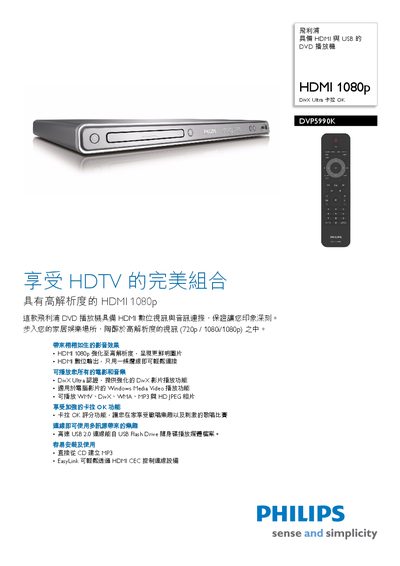
This manual explains how to install and use the Philips DVP5990K DVD player. It covers HDMI 1080p video output, DivX Ultra video decoding, USB 2.0 playback, and the EasyLink feature that lets you control multiple HDMI‑CEC devices with a single remote.
The specifications section lists video and audio capabilities, power requirements, dimensions, and supported media formats. Safety information such as child‑lock and standby power consumption are also included. This manual is written in Chinese.
| Video resolution | 1080p |
|---|---|
| Audio system | Dolby |
| Power supply | 110‑240 V, 50/60 Hz |
| Standby power consumption | < 0.8 W |
| Dimensions (W×H×D) | 435 × 38 × 210 mm |
| Audio frequency response | 30‑20 000 Hz |
| Dynamic range | 80 dB |
Connect a single HDMI cable between the player and the TV; the player supports HDMI 1080p and can be controlled via HDMI‑CEC.
The standby power consumption is less than 0.8 W.
EasyLink uses the HDMI‑CEC protocol so one remote can control all HDMI‑CEC‑compatible devices.