
The document is about the user manual of Micro Hi-Fi System MC145. It includes the basic functions and operating instructions of the product, such as CD disc operation, radio reception, tape operation/recording, clock/timer, etc. It also contains safety precautions and environmental information of the product.
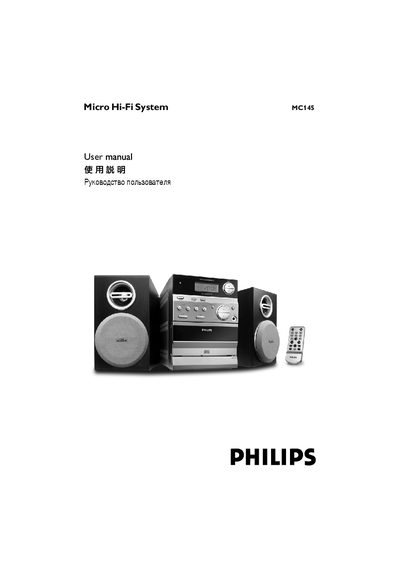
This manual covers safety information, unpacking, and preparation steps, followed by detailed instructions for connecting speakers, power, and the antenna. It explains how to use the remote control, replace its CR2032 battery, and operate all basic functions such as power, play, volume, source selection, and timer settings.
Technical specifications for the amplifier, CD player, radio, and tape deck are listed, along with dimensions, power consumption, and standby power. The final sections give troubleshooting guidance for common issues like CD errors, radio reception problems, and remote‑control failures. This manual is written in Chinese.
| Amplifier Output Power | 2 × 2 W RMS |
|---|---|
| Maximum Power (PMPO) | 200 W |
| Signal‑to‑Noise Ratio | ≥ 62 dBA (IEC) |
| Frequency Response | 63 – 16000 Hz ± 3 dB |
| Headphone Impedance | 32 Ω – 1000 Ω |
| Power Supply | 220 – 240 V / 50 Hz |
| Dimensions (W × H × D) | 168 × 224.5 × 214.5 mm |
Remove the plastic cover, pull out the battery compartment, insert a new CR2032 lithium battery, and re‑insert the compartment.
Insert a disc correctly, ensure it is not upside‑down or wet, let any condensation evaporate, and if needed clean or replace the disc.
Press and hold the TIMER key for more than two seconds, select the source, then use the ± keys to set hours and minutes before confirming.
No – opening the unit voids the warranty and may cause electric shock; service should be performed by an authorized Philips dealer.