
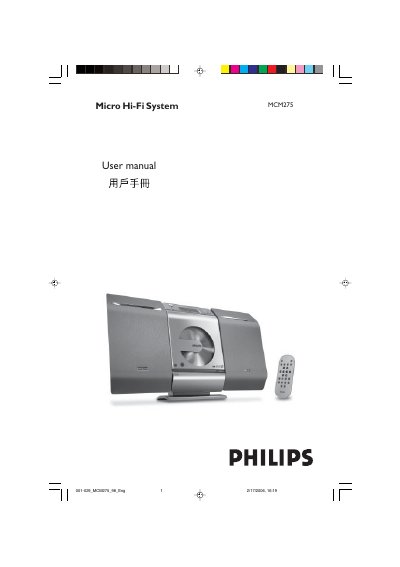
This manual covers all aspects of the Philips MCM275 Micro Hi‑Fi System, including safety precautions, control key functions, remote‑control usage, and how to connect speakers, antenna, USB devices and external audio sources. Detailed installation instructions are provided for both tabletop placement and wall‑mounting, along with wiring diagrams and required tools.
Technical specifications, maintenance procedures, cleaning instructions and a troubleshooting guide are included to help users keep the system operating reliably. The document also lists the system’s power requirements, audio performance figures and supported media formats.
| Output Power | 2 x 5 W RMS |
|---|---|
| Total Output Power | 10 W + 10 W MPO |
| Frequency Response | 50 – 20,000 Hz, ±3 dB |
| AUX Input Sensitivity | 0.5 V (max. 2 V) |
| Speaker Impedance | ≥ 4 Ω |
| Headphone Impedance | 32 Ω – 1000 Ω |
| CD Player Frequency Range | 30 – 16,000 Hz |
| FM Radio Frequency Range | 87.5 – 108 MHz |
| Preset Stations | 40 |
| Power Supply | 110‑127 / 220‑240 V, 50/60 Hz |
| Standby Power Consumption | < 5 W |
| Eco Standby Power | < 0.5 W |
| Dimensions (W×H×D) | 160 x 269 x 90 mm |
| Weight (with speakers) | 3.8 kg |
| USB Transfer Speed | 12 Mb/s, USB 1.1 |
| Supported Audio Formats | MP3, WMA |
| Maximum Files per USB Device | 999 |
Use Philips CD laser‑head cleaning solution or a compatible commercial cleaner, following the product’s usage instructions.
Check that the battery is installed with correct polarity, replace it if needed, ensure the remote is pointed at the IR sensor, and verify the unit is powered on.