
The document introduces a product called MCD710 DVD Micro Theatre, which features Dolby sound technology, DivX and Windows Media playback functions.
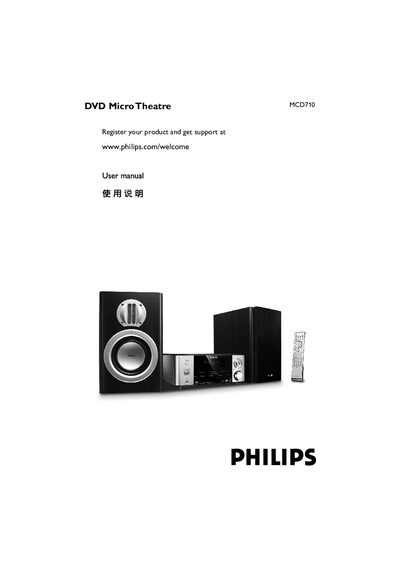
This manual guides users through installing the MCD710 DVD Micro Theatre, connecting it to a TV or external speakers, and configuring audio‑video settings. It also covers safety, environmental disposal, and troubleshooting steps.
Detailed sections describe the product’s features, accessories, system menu options, technical specifications, and how to register the device for support. The guide includes clear diagrams for composite, component, S‑Video and RF connections, as well as instructions for using the remote control and USB storage. This manual is written in Chinese.
| Power supply | 220V/50 Hz |
|---|---|
| Dimensions (W × H × D) | 248 mm × 110 mm × 307 mm |
| Weight (including amplifier) | 5.01 kg |
| Amplifier output power (THD = 10 %) | 2 × 50 W RMS |
| Amplifier frequency response | 100 Hz – 20 kHz (±3 dB) |
| Signal‑to‑noise ratio | 60 dB |
| Speaker impedance | 8 Ω |
| Speaker sensitivity | 80 ± 4 dB |
| FM radio frequency range | 87.5 – 108 MHz |
| USB playback speed | 12 Mb/s (USB 1.1) |
| Maximum tracks / files | 99 tracks / 999 files |
Visit the registration page at www.philips.com/welcome and follow the on‑screen instructions.
Use a non‑abrasive cloth and wipe the disc from the centre outward, avoiding circular motions.
Connect a Y Pb Pr cable (red, blue, green) from the DVD system’s Y Pb Pr output to the TV’s component video input, and ensure the TV supports progressive‑scan.