
This is the user manual for the CASIO K1123PCM1DMX digital camera, and it introduces the camera's use and precautions.
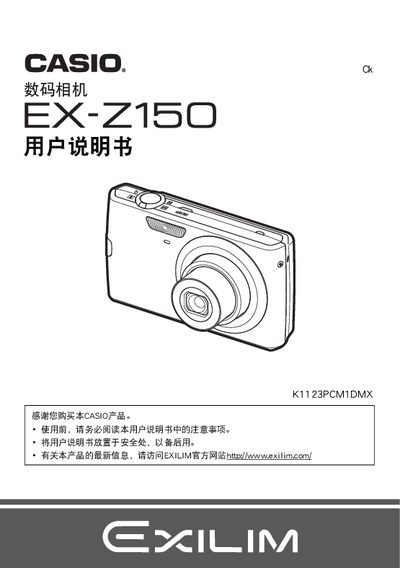
This manual guides you through unpacking the Casio EX-150, installing the battery and memory card, and configuring basic settings such as language and date/time. Detailed sections cover how to power the camera on and off, capture photos and videos, and use advanced features like face detection and image stabilization.
Additional chapters explain playback functions, file management, connecting the camera to a computer or printer, and troubleshooting common issues. The appendix lists battery and charger specifications, safety notices, and warranty information. This manual is written in Chinese.
| Battery type | Lithium‑ion (NP-70) |
|---|---|
| Battery voltage | 3.7 V |
| Battery capacity | 1050 mAh |
| Battery dimensions | 31.5 mm W × 44.1 mm H × 7.5 mm D |
| Battery weight | ≈ 24.5 g |
| Charger input voltage | 100‑240 V AC, 80 mA, 50/60 Hz |
| Charger output | 4.2 V DC, 600 mA |
| Charging time | ≈ 130 minutes |
Connect the supplied BC‑70L charger to an AC outlet (100‑240 V) and plug it into the camera; the charger outputs 4.2 V DC at 600 mA and fully charges the battery in about 130 minutes.
Refer to the troubleshooting section (page 125) for common error messages and recommended solutions.