
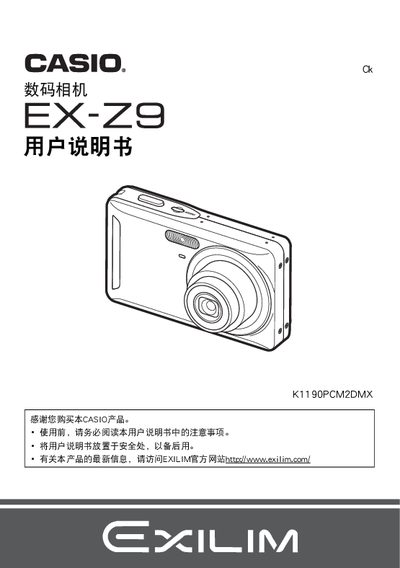
This Chinese-language user manual covers the Casio EX-Z9 digital camera, including unpacking, battery charging, memory card preparation, snapshot and movie shooting, playback, printing, computer connection, settings, and troubleshooting.
It also describes features and menu options such as BEST SHOT, flash, face detection, anti-shake, white balance, zoom, self-timer, image quality settings, and appendix information for the battery, charger, storage cards, and specifications. This manual is written in Chinese.
| Included battery | NP-60 lithium-ion rechargeable battery |
|---|---|
| Included charger | BC-60L |
| Battery rated voltage | 3.7 V |
| Charger input power | 100-240 V AC, 80 mA, 50/60 Hz |
| Charger output power | 4.2 V DC, 600 mA |
| Charging time | 90 minutes |
The package includes a lithium-ion rechargeable battery (NP-60) and a charger (BC-60L).
The charger's charging time is 90 minutes.
The LCD panel uses high-precision technology, so a very small number of pixels may not light or remain lit; this is a characteristic of the LCD panel and not a malfunction.
Take test shots to confirm that the camera can shoot normally.