
Casio EX-Z100 Digital Camera User Manual

This manual introduces the operation of the CASIO EXILIM K1140PCM1DMX digital camera.
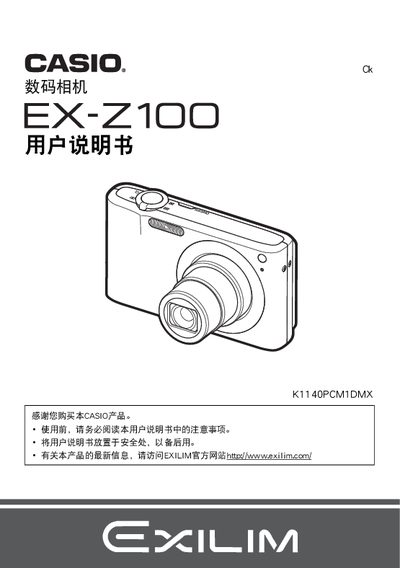

Casio EX-Z100 Digital Camera User Manual - cover page
Brand
Casio
Category
Digital cameras
Document type
User Manual
Language
Chinese
Pages
171
File format
PDF
File size
5.4 MB
Published
21 September, 2011
Updated
30 September, 2023
Model
EX-Z100
MD5 checksum
8C7570F647033E2FB882605A5300A23C

About this manual

This manual begins with safety notices and a checklist of items included in the camera package, such as the NP‑40 lithium‑ion battery and BC‑31L charger. It guides users through initial setup steps like inserting the battery, formatting a memory card, and selecting the display language.

Subsequent sections cover all core functions: shooting modes, auto‑focus, face‑recognition, ISO settings, flash operation, burst shooting, and image‑quality adjustments. The guide also explains how to transfer photos to a computer, print directly from the camera, and perform basic maintenance and troubleshooting. This manual is written in Chinese.

What's inside

  • Opening the Package
  • Quick Start and Safety
  • Battery Installation and Charging
  • Memory Card Setup
  • Shooting Modes and Settings
  • Flash and Auto‑Shutter
  • Face Recognition and Auto‑Focus
  • Image Review, Editing, and Printing
  • Connecting to a Computer
  • Troubleshooting and Reset
Download PDF (5.4 MB)

More Casio Manuals


View all Casio manuals →