
This document provides instructions for the use of PD-2100/2200 series, PD-2500 series, and PD-2XXX series customer displays. These displays feature a rotatable screen, adjustable brightness, support for multiple command emulation modes, support for various fonts and languages, multiple power supply options, and can be connected to computers and peripheral devices.
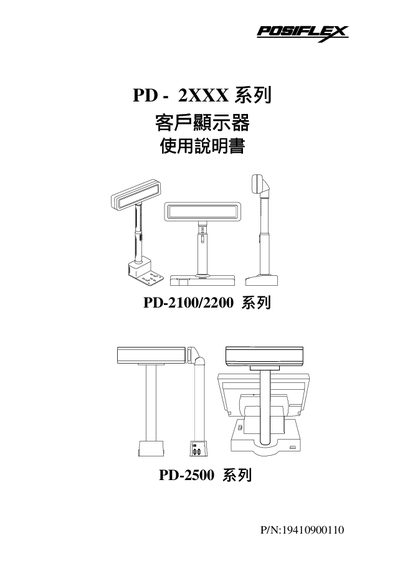
This manual provides an overview of the PD-2100/2200/2500 series client display modules, including model variants, dimensions, viewing angles and compliance markings such as FCC and CE. It lists the part numbers, safety warnings and the required power supplies for each version.
The document details installation steps, wiring diagrams, switch settings, and communication port configuration (COM1, COM2). It also explains how to set the appropriate switches for different manufacturers (Epson, Noritake, Futaba, etc.) and provides troubleshooting tips for common connection issues. This manual is written in Chinese.
| Module size | 216 × 32 mm |
|---|---|
| Secondary size | 7.2 × 11.25 mm |
| Viewing angles | 0°, 14.5°, 15°, 30°, 45° |
| Communication ports | COM1, COM2 |
The module provides two serial ports labeled COM1 and COM2.