
This manual explains how to use the CASIO watch 3195, including how to receive time calibration radio signals, set the time and date manually, etc.
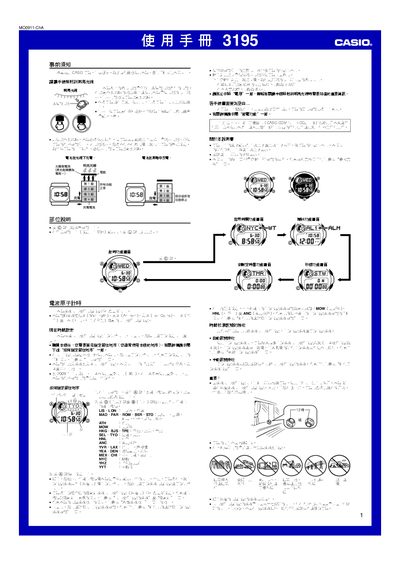
This manual provides operating instructions for the Casio 3195 radio‑controlled watch, a solar‑powered timepiece that automatically receives time‑calibration signals from worldwide transmitters. It covers how to set the residence city, configure time and date, and use the watch’s various functions.
Key sections describe automatic and manual signal reception, alarm and world‑time settings, stopwatch and countdown timer operation, illumination options, power‑saving features, and detailed specifications of the watch’s performance and battery life. This manual is written in Chinese.
| Frequency (Japan Fukuoka/Saga) | 60.0 kHz |
|---|---|
| Monthly accuracy (no signal) | ±15 seconds |
| Stopwatch measurement limit | 23:59:59.99 |
| Stopwatch resolution | 1/100 second |
| Illumination type | EL (electroluminescent) panel |
| Automatic signal reception per day | up to 6 times (5 in China) |
The RCVD indicator shows that at least one automatic calibration signal was successfully received and the watch has updated its time and date.
In the timing function screen, hold the L button for about three seconds; the automatic illumination indicator (A.EL) will appear or disappear to show the current state.