
This manual introduces how to use the watch, including how to expose it to bright light and set the time and date.
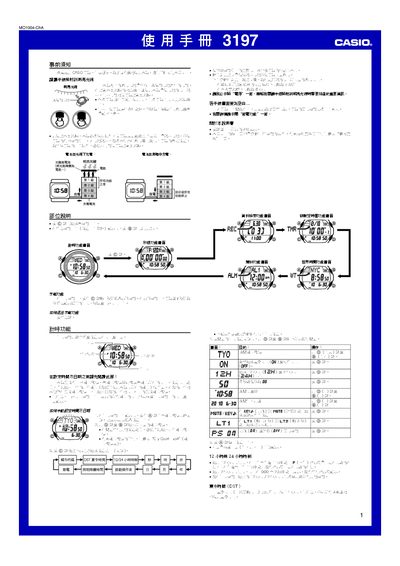
This manual provides step‑by‑step instructions for operating the Casio 3197 watch, covering basic time‑setting, daylight‑saving adjustments, world‑time city codes, and the use of various functions such as timers, alarms, and illumination. It also includes important information on solar charging, battery level indicators, and power‑saving mode.
Additional sections describe the stopwatch, data‑log management, and detailed specifications of the watch’s functions, accuracy, and power source. Safety notes and charging guidelines are provided to ensure reliable long‑term operation. This manual is written in Chinese.
| Accuracy | ±30 seconds per month |
|---|---|
| Time display functions | hour, minute, second, AM/PM, year, month, day, weekday |
| Hour format | 12‑hour and 24‑hour |
| Calendar range | 2000‑2099 (auto‑adjusting) |
| Power source | Solar cell + rechargeable battery |
| Battery life (full charge to level 4) | ≈13 months |
| Maximum log records | 121 entries |
| Timer maximum | 99 min 55 s |
| World time cities | 48 cities (31 time zones) |
Press the @ button until the city code flashes, then use the @ and @@ buttons to select the desired city code.
Press the @@ button while any function screen (except the setting screen) is displayed to light the display for 1.5 s or 3 s.
When the battery level reaches level 3, the L indicator flashes to show that the battery is very low and the watch should be placed in bright light to charge.
The watch can store up to 121 stopwatch logs.