
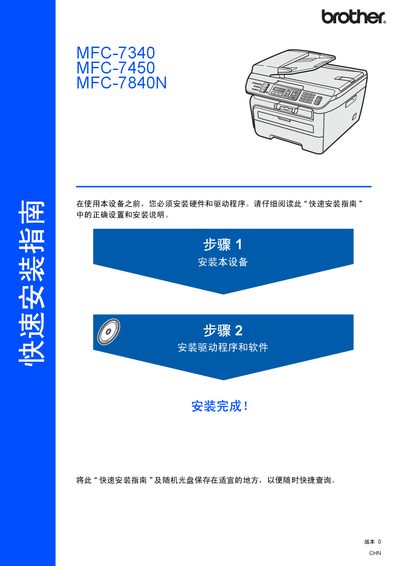
Brother MFC-7340 / MFC-7450 / MFC-7840N Quick Installation Guide


Brother MFC-7340 / MFC-7450 / MFC-7840N Quick Installation Guide - cover page
Brand
Brother
Category
Printer
Document type
Quick Start Guide
Language
Chinese
Pages
32
File format
PDF
File size
4 MB
Published
20 September, 2011
Updated
29 September, 2023
MD5 checksum
F42BB21E779217AC224962D25EFBB90F

About this manual

This guide provides step‑by‑step instructions for installing Brother MFC‑7340, MFC‑7450 and MFC‑7840N multifunction printers. It covers unpacking, hardware assembly, connecting USB or Ethernet interfaces, and configuring the BRAdmin Light utility for network settings.

Safety symbols, warnings and cautions are highlighted throughout the document. The guide also lists supported operating systems (Windows 2000/XP/Vista, Windows Server 2003 and Mac OS X 10.2.4 or later) and specifies cable length limits and grounding requirements to ensure safe and reliable operation. This manual is written in Chinese.

What's inside

  • Safety Symbols
  • Installation Procedure
  • Hardware Installation
  • USB Interface
  • Ethernet Interface
  • Supported Operating Systems
  • BRAdmin Light Configuration
  • Operation Panel Overview
  • Packaging and Materials
  • Trademark Information
Download PDF (4 MB)

More Brother Manuals


View all Brother manuals →