
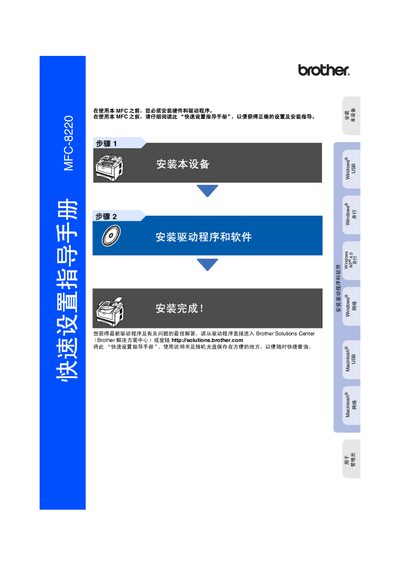
This guide walks you through installing the MFC-8220 hardware, connecting power, telephone, and USB or parallel cables, and setting up the required drivers from Brother Solutions Center. It also covers basic configuration such as date/time, machine ID, and receive mode selection.
The manual includes safety warnings, paper handling procedures, control‑panel functions, and optional network setup using the NC‑9100h interface. Supported operating systems and driver versions for Windows and Mac OS X are listed, along with troubleshooting tips. This manual is written in Chinese.
You must install the hardware driver from Brother Solutions Center before using the MFC‑8220.
Open the front cover, insert the paper tray, adjust the paper guides, and ensure the paper is flat and below the maximum‑limit mark.