
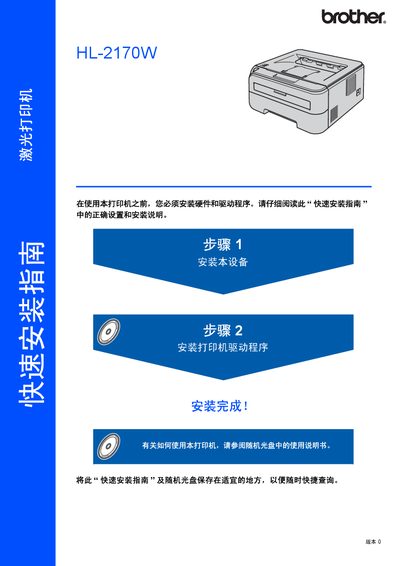
This document is a quick installation guide for the HL-2170W laser printer. The document provides instructions on how to install the printer and its drivers, as well as safety precautions. It also includes a user manual for operating the printer and instructions for network setup.
The guide introduces safety precautions for the HL-2170W laser printer, including warnings about high‑voltage components, hot parts, and proper cleaning methods. It also explains regulatory compliance such as laser class and electromagnetic emission standards.
Installation steps cover loading paper, installing the toner cartridge and drum unit, connecting via USB, Ethernet or Wi‑Fi, and installing the printer driver on Windows or Mac. The document describes the function of indicator lights and provides basic troubleshooting tips. This manual is written in Chinese.
| Maximum radiation power | 10 mW |
|---|---|
| Laser wavelength | 780‑800 nm |
| Laser class (diode) | Class 3B |
| Laser product class | Class 1 |
| EMC compliance | EN55022 (CISPR 22) Class B |
| USB interface | USB 2.0 compatible, max 12 Mbit/s |
| Network interface | 10BASE‑T / 100BASE‑TX Ethernet |
Run the driver installation program after connecting the printer with the appropriate USB, Ethernet or Wi‑Fi cable, following the steps shown in the "安装打印机驱动程序" section.
The Toner light shows low toner or cartridge end, the Drum light indicates drum life, the Error light signals paper jam, cover open, etc., and the Ready light flashes when the printer is ready.
Turn off the power switch and unplug the printer before cleaning, avoid using a vacuum cleaner, and use a dry, lint‑free cloth to remove toner residue.