
The Dell B3460dn Laser Printer User's Guide provides information on how to use the printer.
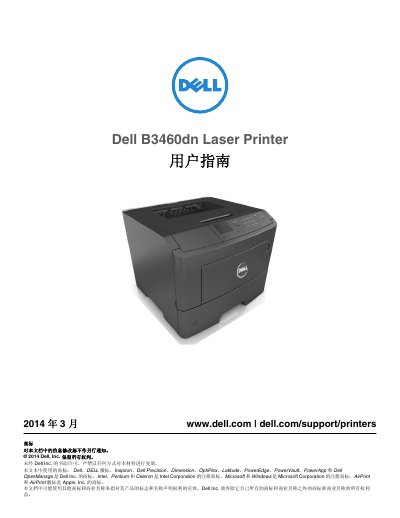
This Dell B3460dn Laser Printer User's Guide provides instructions for setting up and operating the printer. It covers safety information, printer configuration, control panel use, paper and special media loading, printing, printer menus, maintenance, clearing jams, and troubleshooting. This manual is written in Chinese.
| Operating temperature | 16 to 32°C (60 to 90°F) |
|---|---|
| Storage temperature | -20 to 40°C (-4 to 104°F) |
| Optional paper tray capacity | Up to two 550-sheet trays |
| Right clearance | 305 mm (12 in) |
The printer can be configured with up to two 550-sheet optional paper trays.
The recommended ambient operating temperature is 16 to 32°C (60 to 90°F).
All power cords and cables should be disconnected from the printer.
The front clearance should be 508 mm (20 in).