
Dell Display Manager User Guide
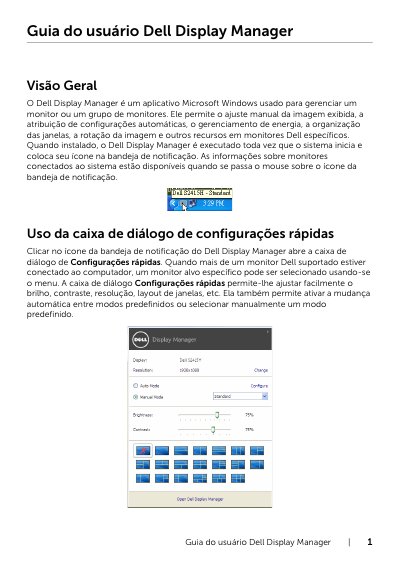
The Dell Display Manager is a Microsoft Windows application used to manage a monitor or a group of monitors. It provides manual image adjustment, automatic preset mode assignment, power management, window arrangement, image rotation, and other features on specific Dell monitors.
The guide describes the Quick Settings dialog, the Basic tab for brightness and contrast, the Auto Mode tab for assigning preset modes to applications, the Easy Arrange tab for arranging windows in predefined layouts, and the Options tab with PowerNap energy-saving options. This manual is written in Portuguese.
It is a Microsoft Windows application used to manage a monitor or a group of monitors, including image adjustment, preset modes, power management, and window arrangement.
In the Auto Mode tab, associate a specific preset mode with an application, and Dell Display Manager switches to it when the associated application is activated.
Use the Easy Arrange tab to drag open windows into one of the predefined layouts, then click Save to create a custom layout.
The Options tab provides PowerNap options to set monitor brightness to the minimum level or put the monitor into suspend when the screen saver is active.