
The Dell B3460dn Laser Printer User Guide introduces the features and functions of the printer, including how to set it up and use it.
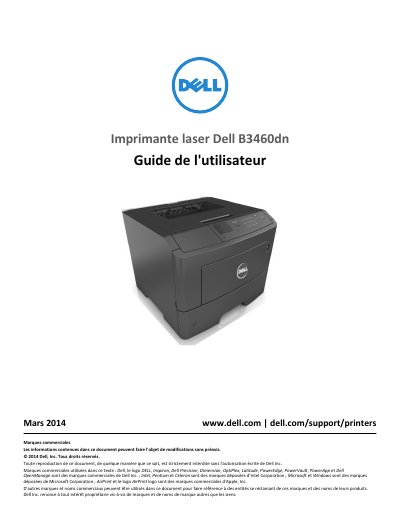
This French-language user guide for the Dell B3460dn laser printer covers safety instructions, printer setup and control panel use, paper and specialty media loading, printing, printer menus, maintenance, and troubleshooting.
It also describes installing internal and hardware options, connecting cables, using the printer on a network, mobile printing with AirPrint and Dell Mobile Print, securing the printer, and clearing paper jams. This manual is written in French.
Disconnect all cords and cables from the printer before moving it.
Open the front door to clear the jam.
Use the printer control panel.
Dell provides additional information at www.dell.com/support/manuals.