
This document describes how to set up and operate a Dell computer.
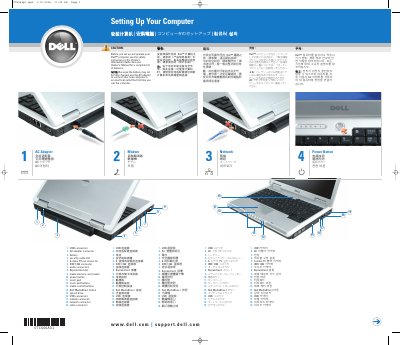
This guide helps you set up your new Dell Inspiron™ computer for the first time. It includes instructions for connecting the AC adapter, using the touch pad, and setting up a wireless network. You’ll also find information on how to check for a wireless network card and access additional support resources.
The guide references the Owner’s Manual for more detailed information on features, troubleshooting, and parts replacement. It also provides steps for connecting to a wireless network, including verifying the presence of a wireless network card and accessing Dell’s support guides for more information.
Click the Start button, point to Connect To, and then click Show all connections. Under LAN or High-Speed Internet, verify that Wireless Network Connection is present.
Use the AC adapter to connect the new computer to an electrical outlet the first time you use it.
See the safety instructions in the Product Information Guide.
You need high-speed Internet access, a wireless router, and a wireless network card.