
Dell Display Manager is a Windows application that can be used to manage one or more monitors.
Dell Display Manager is a Windows application used to manage one or more monitors. It allows manual adjustment of the displayed image, automatic settings, energy management, window arrangement, image rotation, and other features on certain Dell models.
The guide covers the concise settings dialog, basic display functions, automatic preset modes for applications, Easy Arrange window layouts, Underscan and Zooming hotkeys, and PowerNap options.
It is a Windows application used to manage one or more monitors, with manual image adjustment, automatic settings, energy management, window arrangement, image rotation, and other features on certain Dell models.
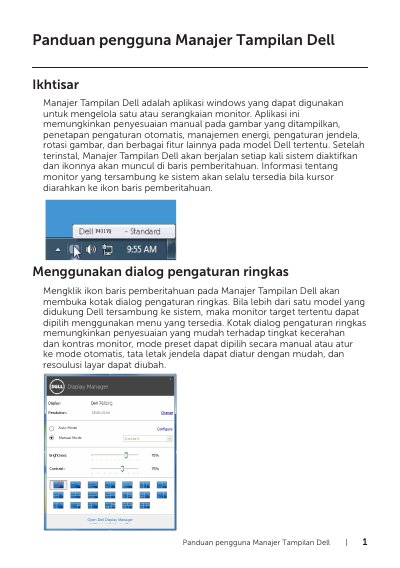
Click the Dell Display Manager notification bar icon.
Yes, Auto Mode applies the selected preset automatically when the associated application is activated.
On supported Dell models, the Easy Arrange tab provides window layout choices for the monitor.