
The Dell Precision 7920 Tower Quick Start Guide provides information on how to set up and use the Dell Precision 7920 Tower.
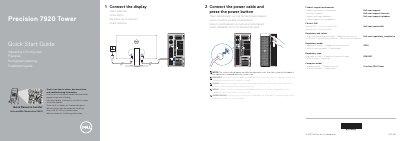
This Quick Start Guide covers the Dell Precision 7920 Tower computer. It explains how to connect the power cable, press the power button, and connect the display.
The guide lists features such as USB ports, drive bays, expansion slots, and the side cover. It also provides Dell support websites, contact information, and regulatory details.
The system will shutdown.
Visit Dell.com/support/manuals.
Precision 7920 Tower.